
Economy 7 gives you 7 hours of cheaper electricity every night. The most common window is roughly midnight to 7am (or 00:30 to 07:30), but the cheap hours can start anywhere from about 10pm to 1am, depending on your meter, region and supplier. Older meters usually stay on GMT all year, so in summer the cheap period runs an hour later on the clock. To find your exact times, check your bill or online account, look at your meter or smart meter display, or ask your supplier.
Economy 7 only saves you money if you use electricity during the cheap hours, so knowing your exact times matters. A washing machine set to start at 11pm when your cheap rate begins at 12:30am costs you the expensive day rate. For more ways to cut your bills, see our energy saving guide.
What time does Economy 7 start and finish?
Economy 7 is a two-rate electricity tariff. You get 7 hours at a cheaper night rate and the other 17 hours at a higher day rate.
There's no single national start time. Common patterns include:
| Cheap period (GMT) | Cheap period on the clock in summer (BST, older meters) |
|---|---|
| 00:00 to 07:00 | 01:00 to 08:00 |
| 00:30 to 07:30 | 01:30 to 08:30 |
| 23:00 to 06:00 | 00:00 to 07:00 |
| 22:00 to 05:00 | 23:00 to 06:00 |
The midnight to 7am pattern is the one most people have. But some homes have a cheap period that starts earlier or later. A few older meters even split the 7 hours into two blocks, for example a few hours overnight and a short block in the early morning.
The only times that matter are your times. Never rely on a general guide (including this one) when setting timers. Confirm with your bill, your meter or your supplier first.
Why do Economy 7 times vary?
Your cheap hours are set by your meter, not by your supplier's marketing. Three things change them.
1. Your region
Britain is split into 14 electricity distribution regions. Historically, each region's network operator set its own off-peak switching times to balance local demand. That's why a home in one part of the country can have different hours from a home in another, even with the same supplier.
2. Your meter type and settings
- Older two-rate meters have a built-in time switch or a separate timer that flips between the day and night registers.
- Some older meters were controlled by a radio signal, the Radio Teleswitch Service (RTS). According to Energy UK, the RTS phase-out was completed on 30 June 2026. If you still have one of these meters, contact your supplier, because your switching times may no longer be reliable.
- Smart meters switch rates using times your supplier programs into the meter.
3. GMT vs BST
Many older Economy 7 meters run on Greenwich Mean Time (GMT) all year. They don't change when the clocks go forward in March.
So if your cheap rate is 00:00 to 07:00 GMT, then in summer (British Summer Time) it runs from 01:00 to 08:00 on your clock. When the clocks go back in late October, it moves back to 00:00 to 07:00.
Smart meters usually follow the clock change, but not always. Check with your supplier if you're unsure.
If you set appliance timers in winter and forget about BST, your 7am finish becomes an 8am finish on the clock in summer. That's harmless. But if your cheap rate starts at midnight GMT, a timer set to 00:00 in summer starts an hour before the cheap rate, at the day rate.
How to find your exact Economy 7 times
Use any of these. The first two are the quickest.
1. Check your bill or online account
Many suppliers print your off-peak times on your bill, or show them in your app or online account under tariff details. Look for wording like "off-peak", "night rate", "low rate" or "Economy 7 times".
2. Ask your supplier
Phone or message your supplier and ask: "What are the exact start and finish times of the night rate on my meter, and are they in GMT or do they change with the clocks?" This is the most reliable answer, because they can check the settings for your specific meter.
3. Look at your meter
Older two-rate meters usually have two sets of numbers, often labelled:

- Low / Normal
- Night / Day
- Rate 1 / Rate 2 (R1 and R2)
The night (low) register only moves during your cheap hours. To find your times:
- Note both readings in the evening.
- Check again just after midnight, then again around 7am.
- Whichever register is moving tells you which rate you're on.
Some meters also show a small light or symbol that changes when the rate switches. Your meter's manufacturer label or model number can help your supplier identify it.
4. Check your smart meter display
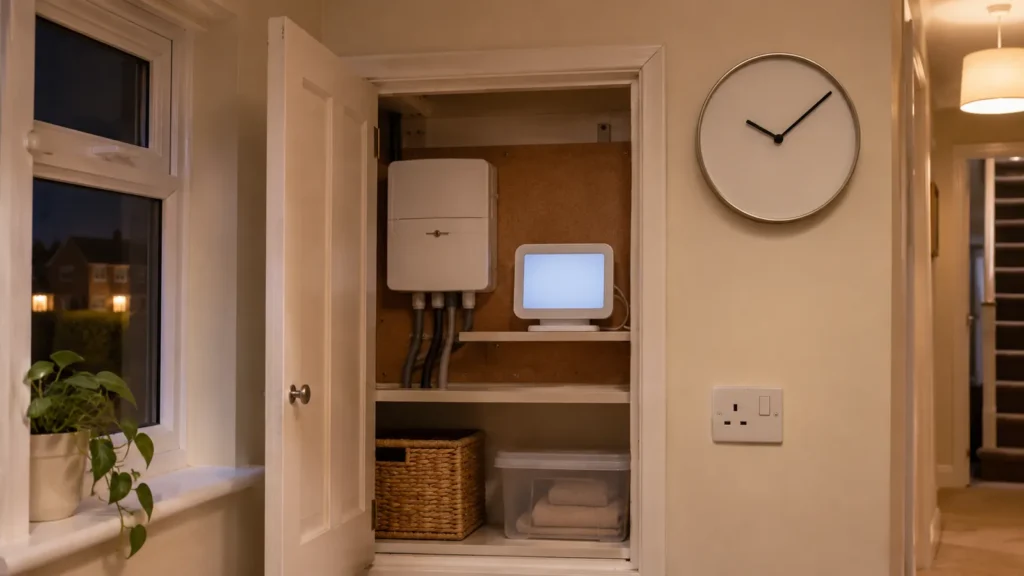
If you have a smart meter, the in-home display (IHD) often shows which rate is active right now, and sometimes your tariff times. Check it just before and after your expected switch time.
5. Check your storage heater or immersion timer
In many Economy 7 homes, storage heaters and the hot water cylinder are wired to a separate off-peak supply that only switches on during cheap hours. If your storage heaters start charging at a set time each night, that's usually when your cheap rate starts. This isn't proof on its own, but it's a useful clue.

Write your times on a sticker inside the meter cupboard and on the fridge, with a note saying "GMT" or "follows clock change". Everyone in the home then knows when to run the big appliances.
How much cheaper is Economy 7?
Economy 7 has two unit rates:
- A night rate, often around half the day rate
- A day rate, usually higher than a standard single-rate tariff
Your exact rates are on your bill. For comparison, the average standard (single-rate) electricity price under the Ofgem price cap for 1 October to 31 December 2026 is 26.32p per kWh.
The maths works like this. The formula for any appliance is:
Cost = power (kW) × hours used × unit rate
Example: a washing machine using about 1kWh per cycle. The night and day rates below are examples only. Use the rates on your own bill.
| When you run it | Example rate | Cost per cycle |
|---|---|---|
| Standard tariff (any time) | 26.32p | 1 × 26.32p = 26p |
| Economy 7 night rate | 14p (example) | 1 × 14p = 14p |
| Economy 7 day rate | 32p (example) | 1 × 32p = 32p |
The saving per load is small. The big savings come from large overnight loads, like storage heaters, hot water and electric car charging, which can use many kWh a night.
Work out any appliance at your own rates with our calculator. Pick an appliance, then change the price to your night or day rate:
Appliance running cost calculator
– · Default price: Ofgem price cap average, 1 Oct–31 Dec 2026. Check your bill for your exact unit rate.
Prefer a full page? Use the running cost calculator.
Is Economy 7 worth it?
Economy 7 suits you if you use a large share of your electricity at night. A common rule of thumb is at least 40% of your use in the cheap hours. That usually means you have:
- Electric storage heaters
- A hot water cylinder heated by an immersion heater overnight
- An electric car charged at home overnight
- Habits that shift laundry, dishwasher and tumble dryer use to the night
It usually doesn't suit you if:
- You heat your home with gas
- You use most of your electricity in the day and evening (cooking, TV, home office)
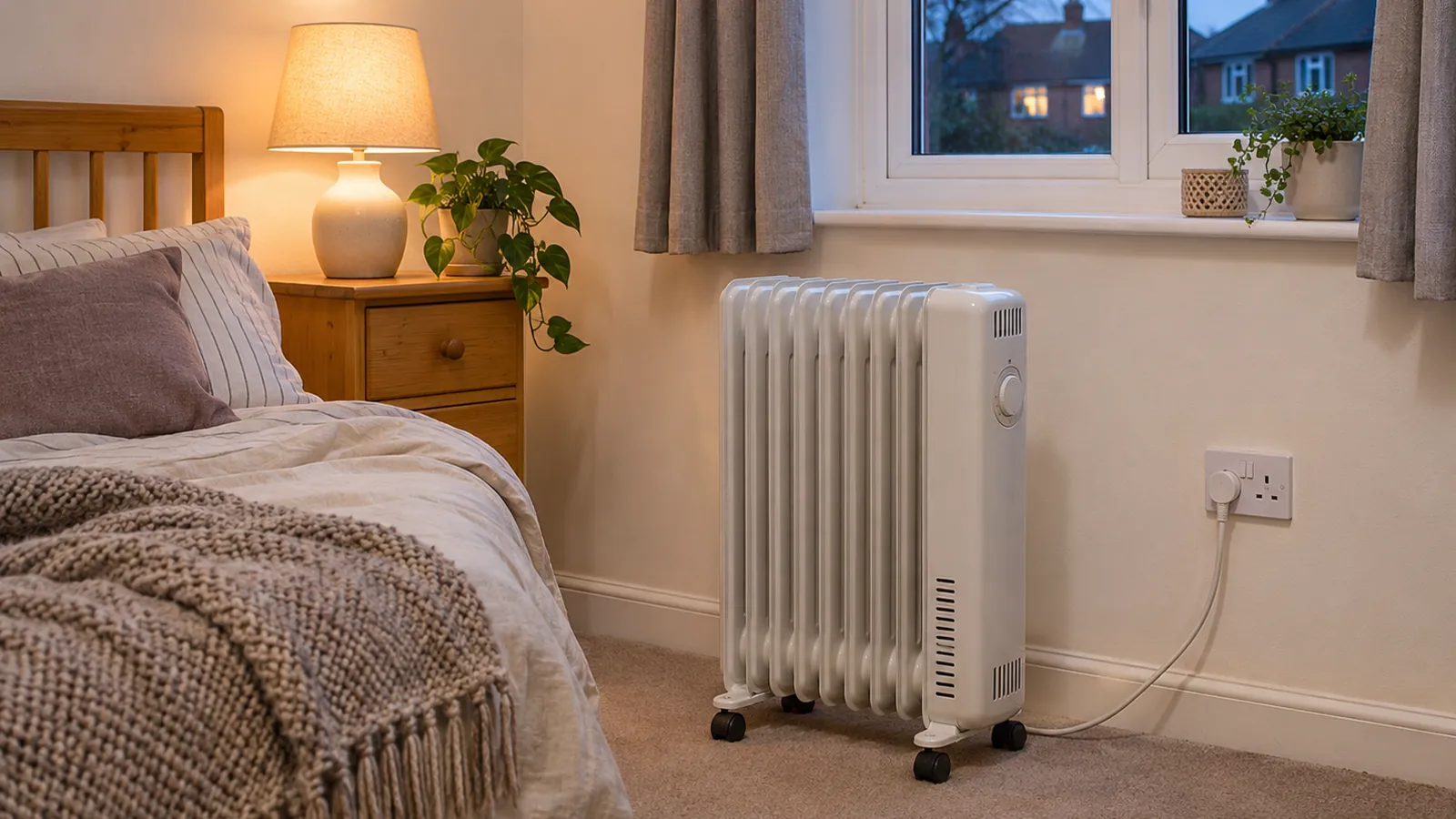
- You heat rooms with panel or fan heaters in the day, because the day rate costs more than a standard tariff
The most expensive mistake on Economy 7 is daytime electric heating. A 2kW heater running for 4 hours in the evening uses 8kWh. At an example day rate of 32p, that's 8 × 32p = £2.56 a day, more than the same heater on a standard tariff (8 × 26.32p = £2.11).
If you're not sure, compare a year of your meter readings. Add up your night units and divide by your total units. Under about 40% at night, a standard tariff is often cheaper. Your supplier can also help you compare.
How to make the most of your Economy 7 hours
Charge storage heaters properly
Storage heaters charge only during the cheap hours. Set the input dial for the next day's weather (higher on cold days), and keep the output low until the afternoon. Our guide to Economy 7 storage heaters covers the settings in detail.
Heat your hot water overnight
If your cylinder has two immersion elements, the bottom one should heat the whole tank overnight. Only use the top boost element in the day when you really need it. A well-insulated cylinder keeps the water hot until the evening.
Use delay timers on appliances
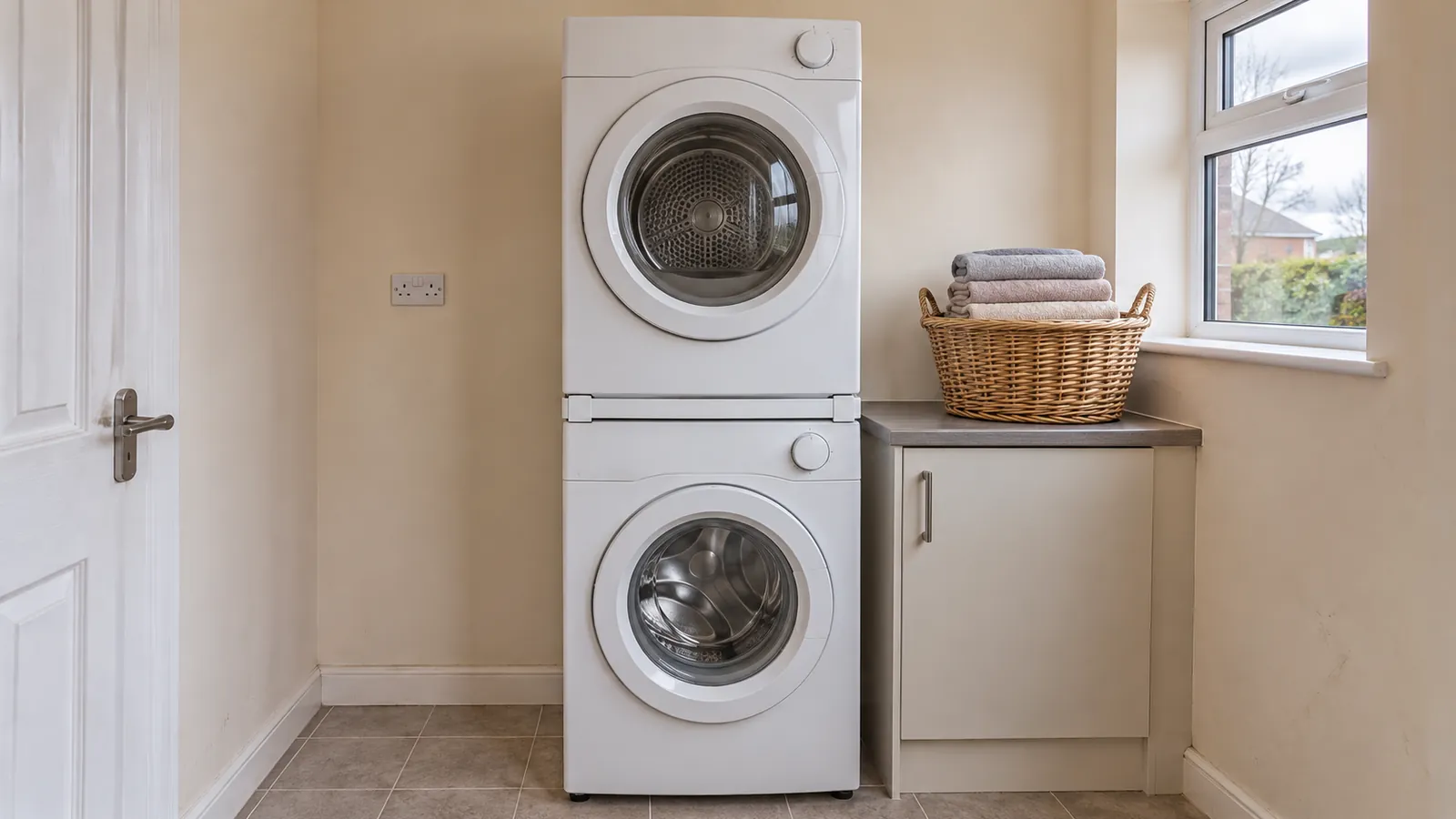
Most washing machines, dishwashers and tumble dryers have a delay start button. Set them to start just after your cheap rate begins. Leave a margin of 15 to 30 minutes in case your meter's clock drifts.
Fire safety: the London Fire Brigade and other UK fire services advise against running washing machines, tumble dryers and dishwashers overnight or while you're out. Only run them when you're at home and awake, if you can, and always keep smoke alarms tested. If you do use overnight timers, never leave a tumble dryer's lint filter uncleaned.
Charge an electric car at night
An electric car is one of the biggest loads in a home, so charging it in the cheap hours makes the biggest single difference. Many EV tariffs are now cheaper than Economy 7 overnight. Ask your supplier if one would suit you better.
Dry clothes cheaply
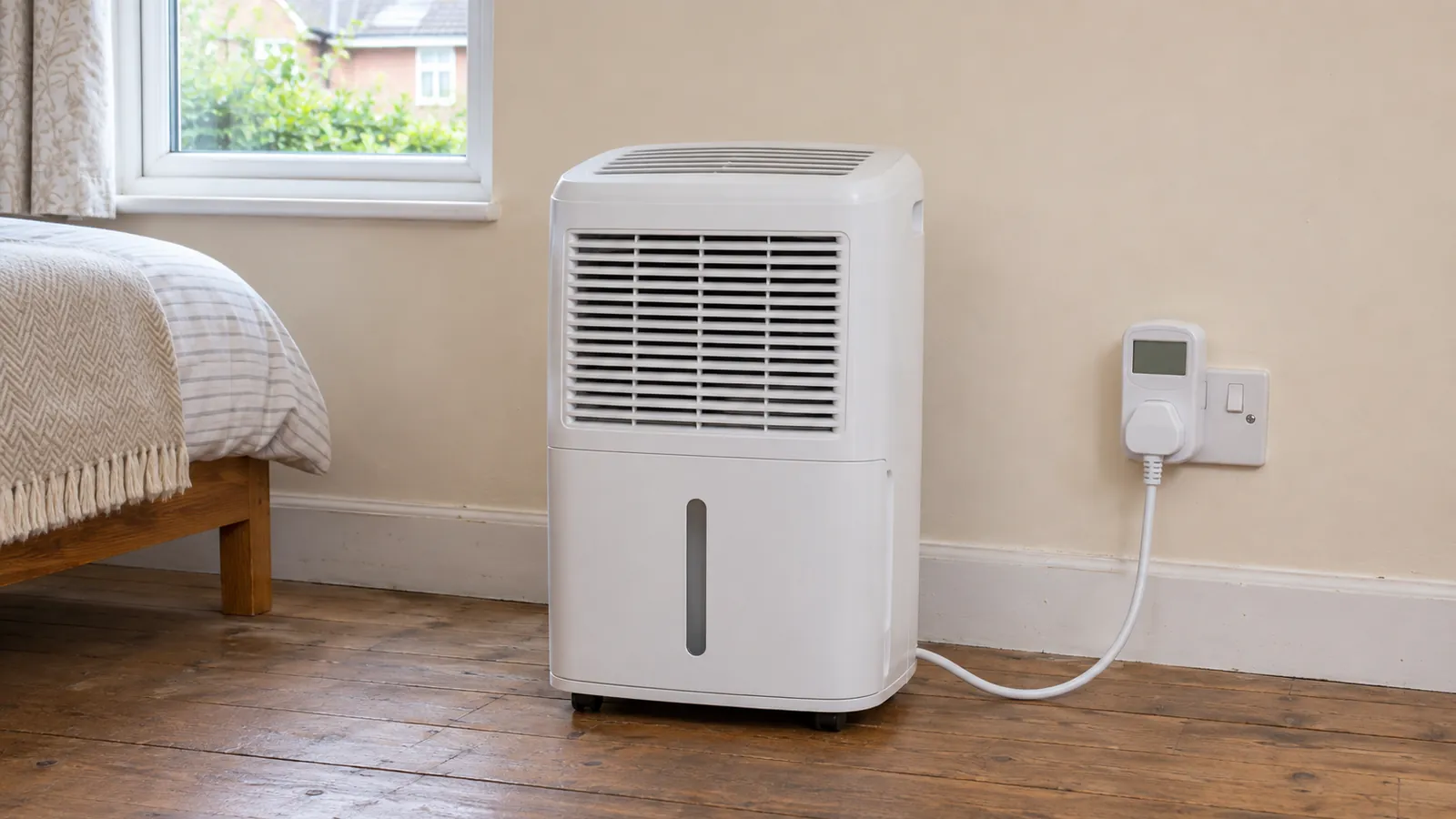
If you have to dry indoors in winter, a heated clothes airer or a dehumidifier is much cheaper than a tumble dryer at any rate. Drying clothes indoors also adds moisture to the air, so run a dehumidifier or open a window to avoid condensation on the inside of your windows.
What is Economy 10?
Economy 10 is a similar two-rate tariff that gives 10 cheaper hours a day instead of 7. The cheap hours are usually split across the day, typically:
- A block overnight
- A block in the afternoon
- A block in the evening
The exact times vary by region, meter and supplier, just like Economy 7. Economy 10 can suit homes with storage heaters that need an afternoon top-up, or homes that use a lot of electricity in the afternoon. Fewer suppliers offer it, so ask yours what's available.
| Economy 7 | Economy 10 | |
|---|---|---|
| Cheap hours a day | 7 | 10 |
| When | All overnight | Split: night, afternoon, evening |
| Best for | Storage heaters, overnight hot water, EV charging | Storage heaters needing a daytime top-up |
| Availability | Widely available | Fewer suppliers |
Economy 7 and smart meters
If you're switching from an old Economy 7 meter to a smart meter, you can usually keep a similar two-rate tariff. A few things to check:
- Your new times. Your supplier sets the times on a smart meter. Ask whether they've changed.
- Clock changes. Ask whether the new times follow BST or stay on GMT.
- Separate heating circuit. If your storage heaters or immersion heater are on a separate off-peak circuit, make sure the installer keeps it switching at the right times.
- Other time-of-use tariffs. Smart meters open up newer tariffs with cheaper overnight or variable rates. Compare these with Economy 7 before you decide.
FAQs
What time does Economy 7 start?
Most often around midnight, or 00:30, but it can start any time from about 10pm to 1am depending on your meter and region. In summer, older meters on GMT start an hour later on the clock.
What time does Economy 7 finish?
Seven hours after it starts, so usually around 7am (or 7:30am). On older GMT meters, that's around 8am on the clock in summer.
Do Economy 7 times change when the clocks change?
On many older meters, no. They stay on GMT all year, so the cheap period moves an hour later on the clock during British Summer Time. Smart meters usually follow the clock change, but ask your supplier to confirm.
How do I know if I'm on Economy 7?
Check your bill for two electricity rates (day and night, or peak and off-peak). An older meter with two sets of numbers is another sign. If you're not sure, ask your supplier.
Can I find my Economy 7 times on my meter?
Yes. On a two-rate meter, the night (low) register only moves during your cheap hours. Check which set of numbers is moving just before and after midnight, and again around 7am.
Is it cheaper to run a washing machine at night on Economy 7?
Yes, if it runs during your cheap hours. The saving is often around 10 to 20p a load, depending on your rates. Check fire safety advice before running appliances overnight.
Is Economy 7 worth it without storage heaters?
Usually only if you heat water overnight with an immersion heater or charge an electric car at home. Without a big overnight load, most homes pay more on Economy 7 because of the higher day rate.
- Economy 7 = 7 cheap hours overnight, most often around midnight to 7am.
- Your exact times depend on your meter and region, so check your bill, meter or supplier.
- Older meters stay on GMT, so cheap hours run an hour later on the clock in summer.
- It saves money only if you use a lot of electricity at night, around 40% or more.
- Avoid daytime electric heating on Economy 7: the day rate is higher than a standard tariff.